

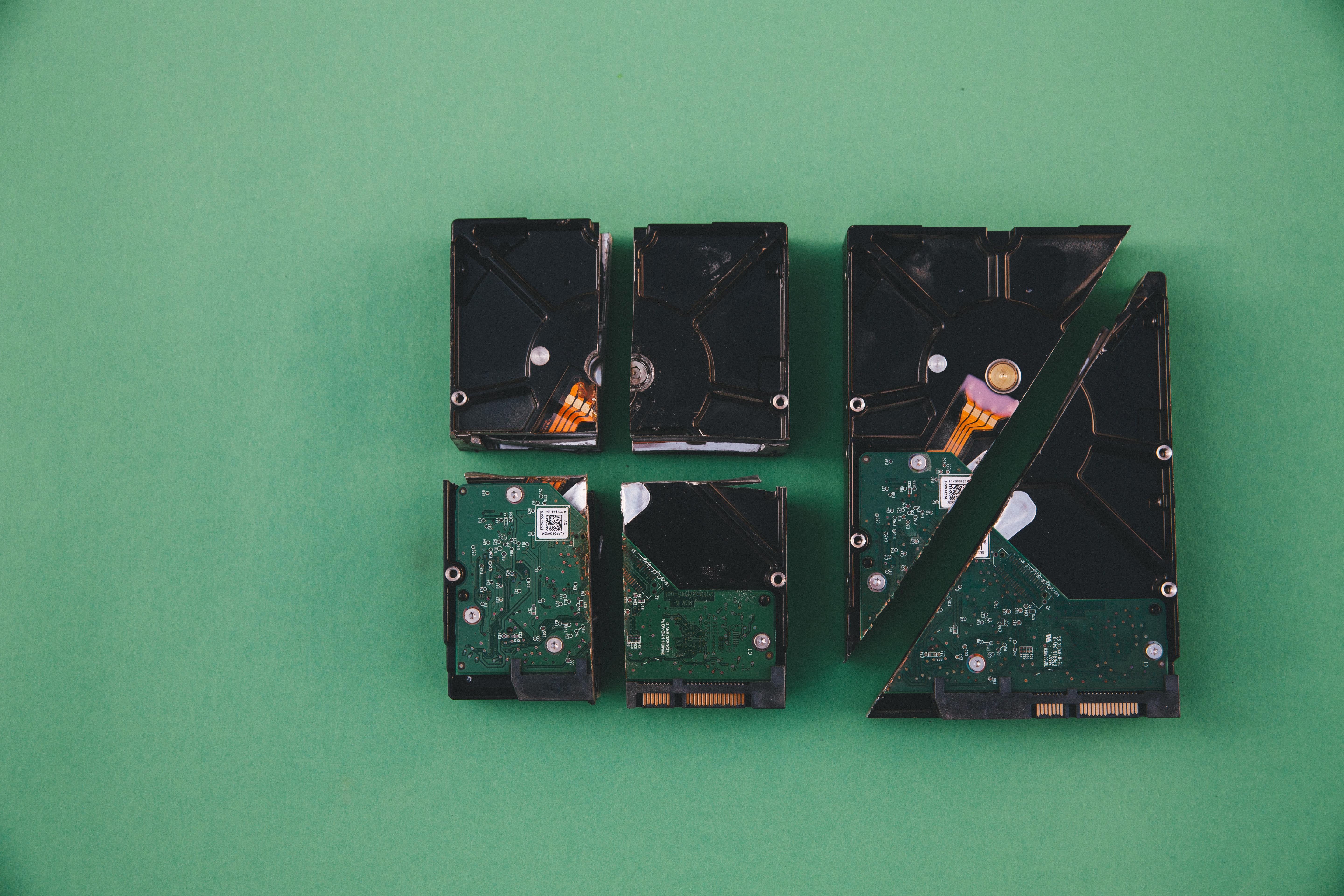
ITBA accepts files up to 5 MB per attachment — exceeding this leads to upload failure.
Uploading replies, submissions, or annexures on the Income Tax Business Application (ITBA) often hits a common roadblock:
“File size exceeds 5 MB limit”
This typically happens in:
- Assessment proceedings (142(1), 143(2), etc.)
- Appeal submissions
- Notices requiring detailed annexures
Instead of last-minute stress, here are 3 practical, field-tested methods used in Professional firms without any additional cost in most cases. 👇
Option 1: Compress the PDF (Use Carefully)
“File just 1–2 MB above limit? Don’t split yet — compress smartly.”

In many ITBA cases, the file exceeds the 5 MB limit by a small margin. Instead of breaking the document into multiple parts, a quick compression can save time — but only if readability is not compromised.
Tools Preferred by Professionals:
ILovePDF - Partially Free
Smallpdf - Partially Free
Adobe Acrobat Online - Paid
These tools allow you to reduce file size within seconds without changing document structure.
Pro Tip
- Use compression only if file is up to ~7 MB
- Always re-open and zoom-check critical pages
- If even slightly unclear → switch to splitting method immediately
Option 2: Split PDF by Pages (Most Used in Practice)
“Large file? Don’t fight the size — divide it logically.”

When your PDF is way beyond 5 MB (say 15–50 MB), compression won’t help. This is where page-wise splitting becomes the most reliable method used in Professional firms daily.
Best Tools Used by Professional Firms
Adobe Acrobat - Paid
ILovePDF - Partially Free
Pdf24 - Fully Free
Pro Tip
Rename files properly:
Bank_Statement_Apr-Jun_Part1.pdf
Ledger_Details_Part2.pdf
Mention in submission:
Submitted in parts due to ITBA file size limitation.
Maintain continuity (no missing pages)
Option 3: Split PDF by Size (Most Professional Method)
“No guesswork. No trial-and-error. Just set 5 MB — and you’re done.”

When dealing with tight deadlines on the Income Tax Business Application (ITBA), this is the most efficient and professional approach, Instead of manually checking page ranges, you let the software automatically split the document into multiple files within the 5 MB limit.
Tools Preferred by Professionals
thefstack- PDF Splitter - Fully Free!
Sejda PDF - Partially Free
Adobe Acrobat Pro - Paid
Pro Tip
Even when using size-based split:
Rename properly:
Submission_Part1.pdf, Part2.pdf, etc.
Mention in covering submission:
Documents are uploaded in multiple parts due to ITBA size constraints.
Upload in correct order — ITBA does not auto-arrange files for the AO.
If you're facing issues in ITBA replies, notices, or compliance handling:
👉 Get expert assistance at Mera Finance Wala
✔ Drafting replies
✔ Handling scrutiny cases
✔ End-to-end tax support